- Audio Tools
- PDF Tools

In this guide, you will see how to encrypt video files by using ThunderSoft Quick Video Encryptor step by step.
If you haven't installed this software, please Download Quick Video Encryptor to get start.
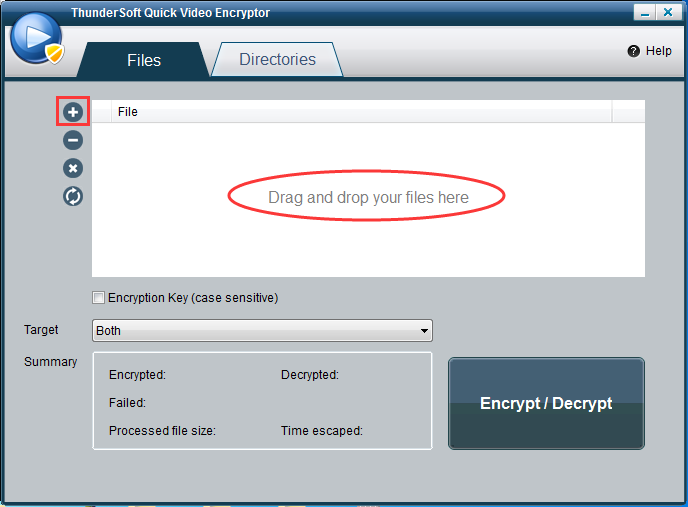
Step 1: Import your video files
You can click the Add button or Drag and drop your video files.
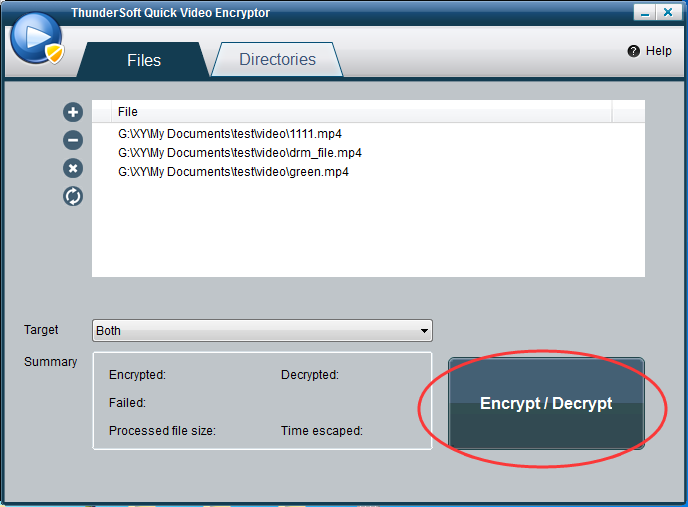
Step 2: Encrypt your video files
Click "Encrypt / Decrypt" button to encrypt your video files.
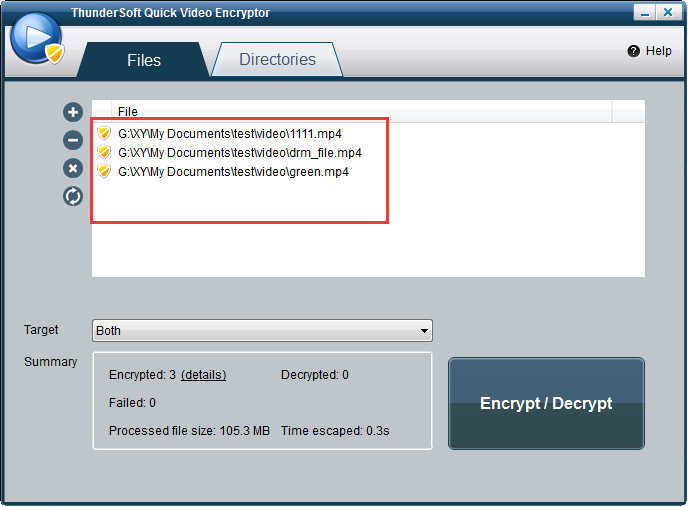
Step 3: Check after encryption
The shield icon means your video files are encrypted. After encrypted, your video files can not be played on all video players. And it would be safe to upload to cloud storage platforms.
Step 4: Decrypt your video files
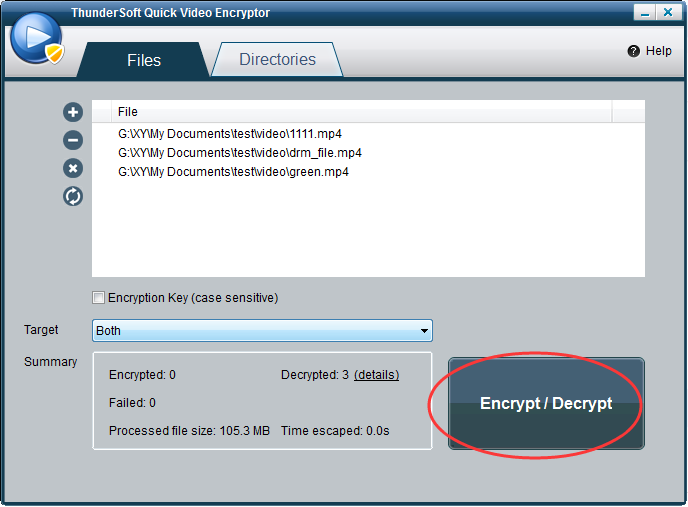
Click "Encrypt / Decrypt" button to decrypt your video files. So that your video files can be played normally.